Welcome to the Illumibot Documentation!⚓︎
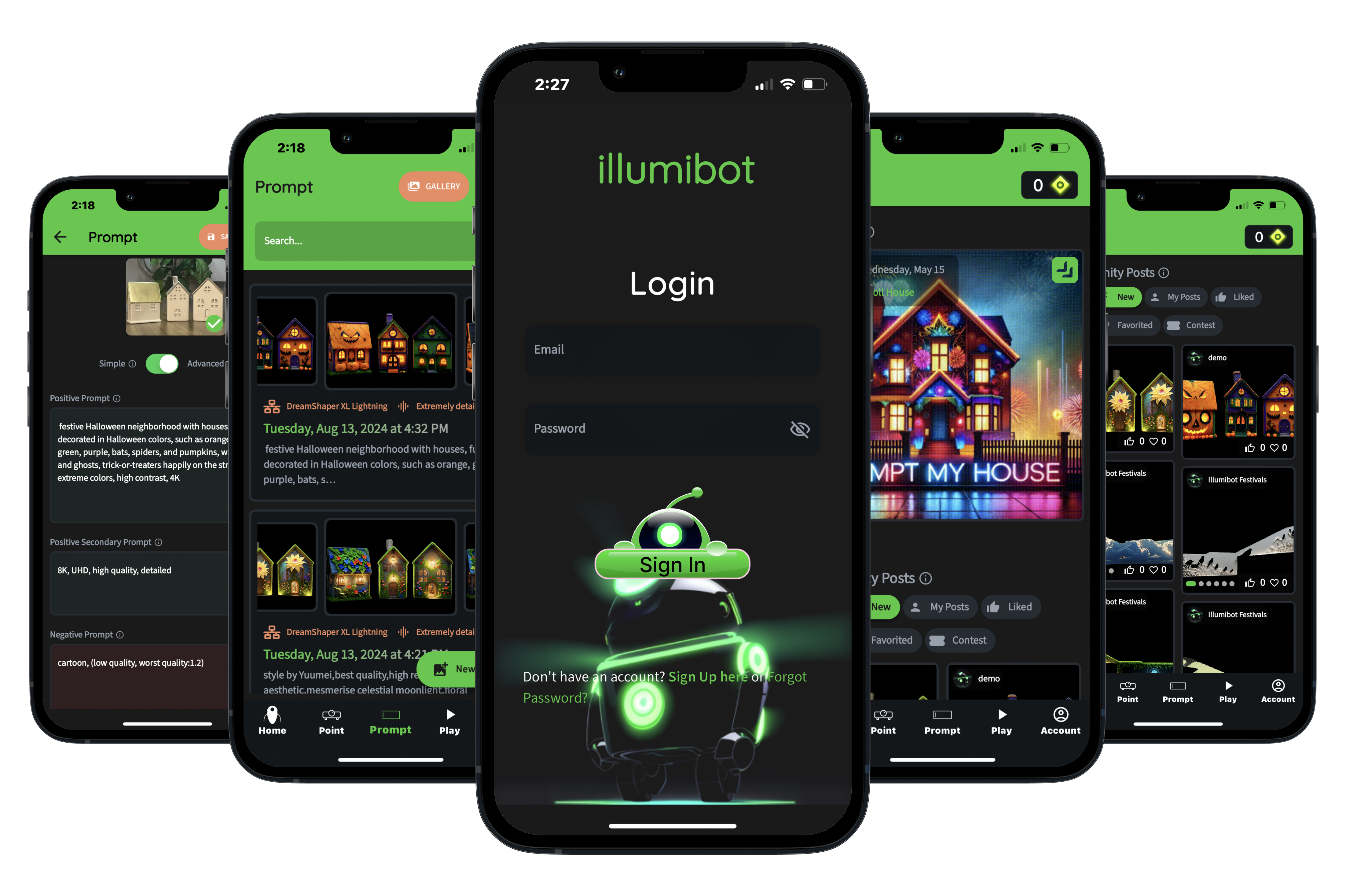
Illumibot turns any surface into a canvas. Point a projector at your house, a wall or an object, describe what you want to see, and AI creates art that fits that surface exactly.
These docs cover the Illumibot app, version 2. See What's New for the latest changes.
Point, Prompt, Play⚓︎
The app is built around three steps:
- Point — set up your Illumibot (or illumiFun) and tell it where your projector is aimed.
- Prompt — describe what you'd like to see and let AI create it for your surface.
- Play — arrange your creations into shows, play them, and schedule them to run automatically.
Plus Home, your starting point, and Explore, where the community shares what they've made.
New here?⚓︎
- Choose a projector
- Create your account
- Set up your Illumibot, or set up illumiFun with just your phone
The app's Home tab walks you through every step with a checklist.
💡 Need help in the app? Tap your avatar in the top-right corner, then Need Help?. For short video walkthroughs, see Profile → 2-min tutorials.